To appear in Google AI Mode, Google asks for the same as it does for Search: the page indexed and eligible to be shown with a snippet. There are no additional requirements, no special schema and no file for AI. Across the 1,408 AI Mode answers destaque.ai measured between October and November 2026, the median was 4 sources cited per answer. What raises the chance of being one of them is ordinary SEO work, and, in destaque.ai's practice, writing for the sub-questions AI Mode splits the question into.
Key takeaways
- Google asks for nothing specific: a page that is indexed and eligible for a snippet
- Google says in writing that AI text files (such as llms.txt) and special schema are not needed
- A median of 4 sources per answer across the 1,408 answers measured
- AI Mode traffic shows up in Search Console under “Web”, not separated
- AI Mode splits the question into several searches: write for the sub-questions
What AI Mode is (and how it differs)
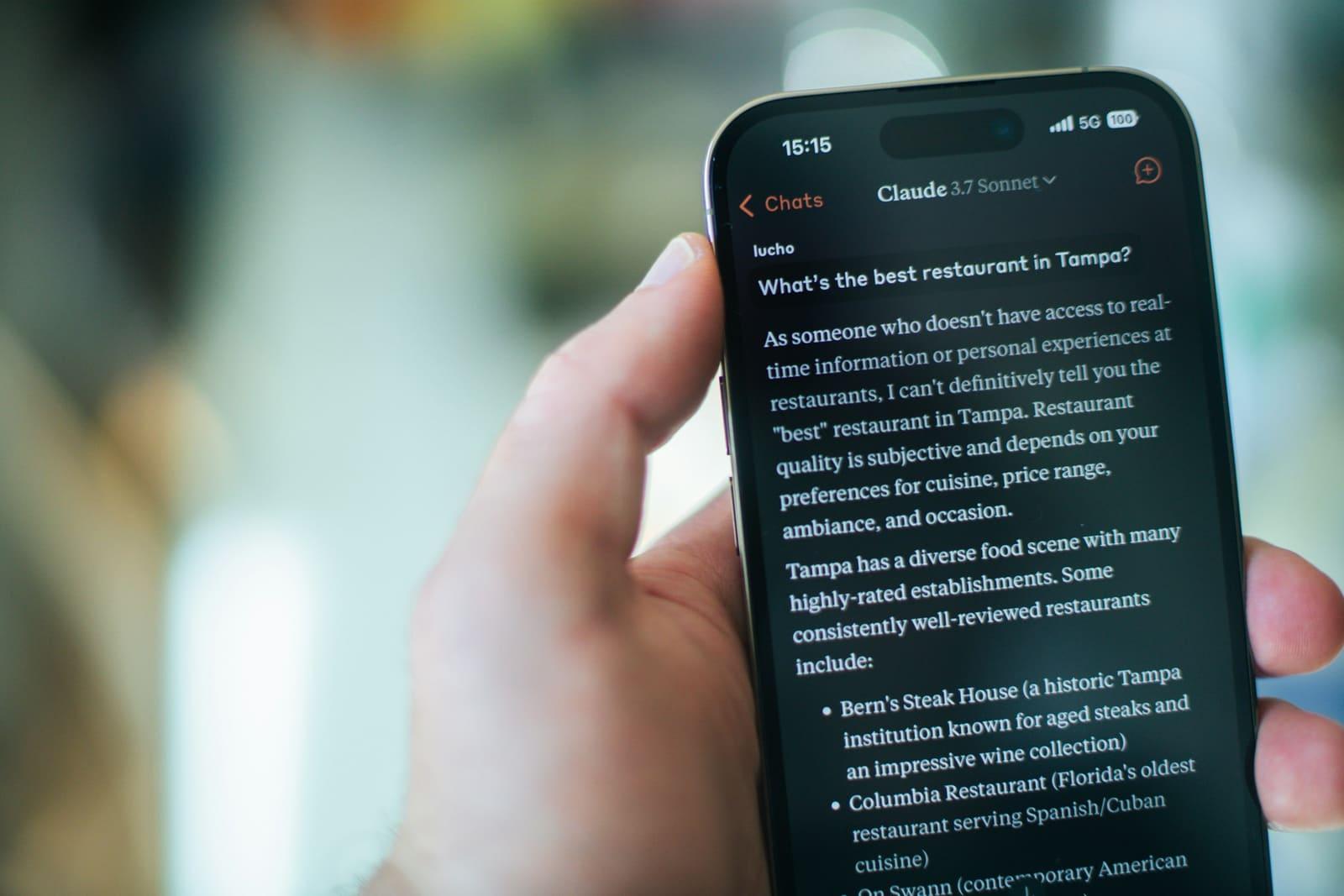
AI Mode is Google Search's conversational mode: instead of a list of results, it gives a generated answer with links to the pages that support it. Google says it is most useful for questions that call for exploration, reasoning or comparisons. On 19 May 2026, one year after its debut, Google announced that AI Mode had passed one billion monthly users.
The confusion with AI Overviews is common. AI Overviews are the summary block at the top of the classic results, with the results below, and they only appear when Google decides they add something. AI Mode is a separate conversational screen, and since May 2026 a follow-up question asked in an AI Overview continues in AI Mode. Google warns that the two may use different models, so the links they show vary.
For a brand, what matters is how many sources fit in one answer. Periscopy, destaque.ai's measurement software, collected 1,408 AI Mode answers between 1 October and 13 November 2026, for 28 brands. The median was 4 distinct sources per answer; 61% of answers cited between 3 and 5, and the one that cited the most reached 23. Google says these features show a wider and more diverse set of links than a classic search, and that holds across answers as a whole; within each answer, the places are still few, and a brand's page competes for them with every other page that answers the same question.
AI Overviews and AI Mode
| AI Overviews | AI Mode | |
|---|---|---|
| What it is | The summary block at the top of the classic results | A separate conversational screen |
| When it appears | Only when Google decides it adds to classic Search | When the user opens it, or asks a follow-up from an AI Overview, for questions that need exploration or comparison |
| Sources | Links to supporting pages | Links to supporting pages; median of 4 per answer in our measurement |
What Google asks for, in writing
Google's page on AI features in Search is direct: to be a supporting link in AI Mode or AI Overviews, a page must be indexed and eligible to be shown in Search with a snippet, and “there are no additional technical requirements”. It adds that you do not need to create new machine-readable files, AI text files or markup, and that there is no special schema.org structured data to add.
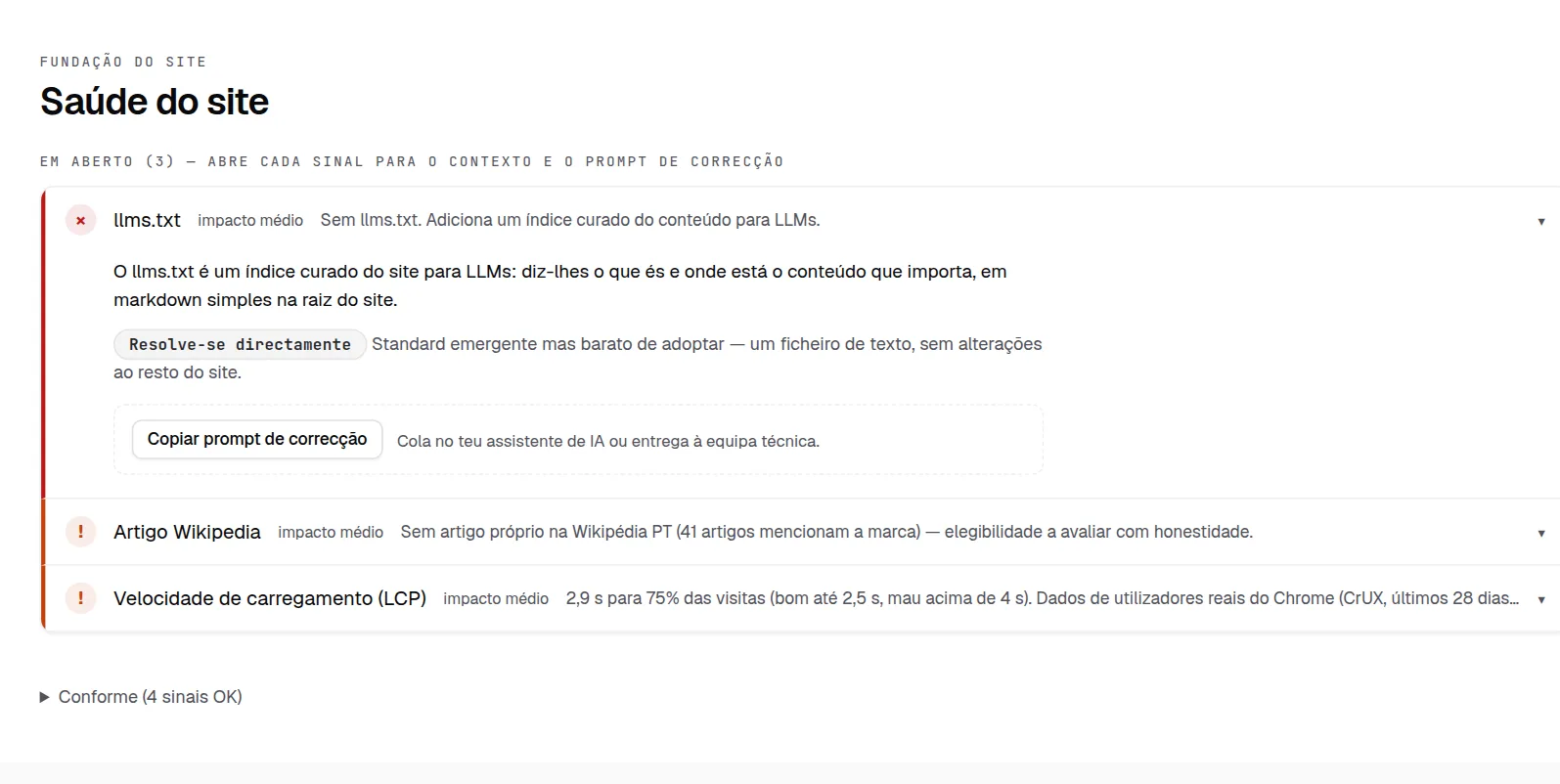
Two practical consequences. llms.txt, which this site also publishes, is not needed for AI Mode, according to Google; if you publish one, it is for other assistants that may read it. And for Search, the control is the robots.txt directives for Googlebot: Google-Extended only limits training and grounding in some of Google's other systems, not Search. What is shown from your pages is limited with nosnippet, data-nosnippet, max-snippet or noindex.
Google also warns that meeting every requirement does not guarantee that a page will be crawled, indexed or shown.
The checklist, in order
The first four points come from Google's recommendations. The last three are destaque.ai's practice, and are marked as such.
01 · The page indexed and eligible for a snippet
Check that robots.txt, the CDN and the hosting let Googlebot crawl the page, and that no nosnippet or max-snippet cuts what it can show.
Action: check in Search Console's URL Inspection that the pages that matter are indexed, and look at the HTML Googlebot received.
02 · Important content in text, and easy to find
Google lists the fundamentals that still apply: important content in text form, supported by good images and videos where relevant, internal links that lead to it, and a good page experience.
Action (destaque.ai practice): check that the pages answering your buyer's questions are one or two clicks from the home page and do not hide the answer in images.
03 · Structured data that matches the text
Google asks for no special schema for AI Mode, but it recommends that whatever structured data you have matches the visible text of the page. Schema is still useful to describe the company, its services and its articles without ambiguity.
Action: validate the current schema at validator.schema.org and in the Rich Results Test, and remove what is not on the page. The minimum for a B2B SaaS is in the article on schema for B2B SaaS.
04 · Merchant Center and Business Profile up to date
For anyone selling products or running a physical shop, Google recommends that the information in Merchant Center and in the Business Profile is up to date.
Action: check prices, stock, opening hours and addresses in both tools.
05 · The answer in the first paragraph (destaque.ai practice)
Every page that answers a question opens with the answer, in two or three sentences, in the words the buyer would use. The articles on this blog do it in the Summary box. Google does not require it; we do it because a reader, human or engine, who reads only the beginning takes away the right answer.
06 · An answer for each sub-question (destaque.ai practice)
AI Mode splits the question into several searches, and the page that answers the written question may not be the one that answers each of them. The next section shows what that looks like in the data.
07 · The same brand description everywhere (destaque.ai practice)
The company's name and description the same on the website, on LinkedIn, in directories and in the schema's sameAs. If LinkedIn says “cybersecurity consultancy” and a directory says “log management platform”, an answer can merge the two and describe the wrong company.
Action: write a 50-to-100-word description and apply it on every platform.
And measure
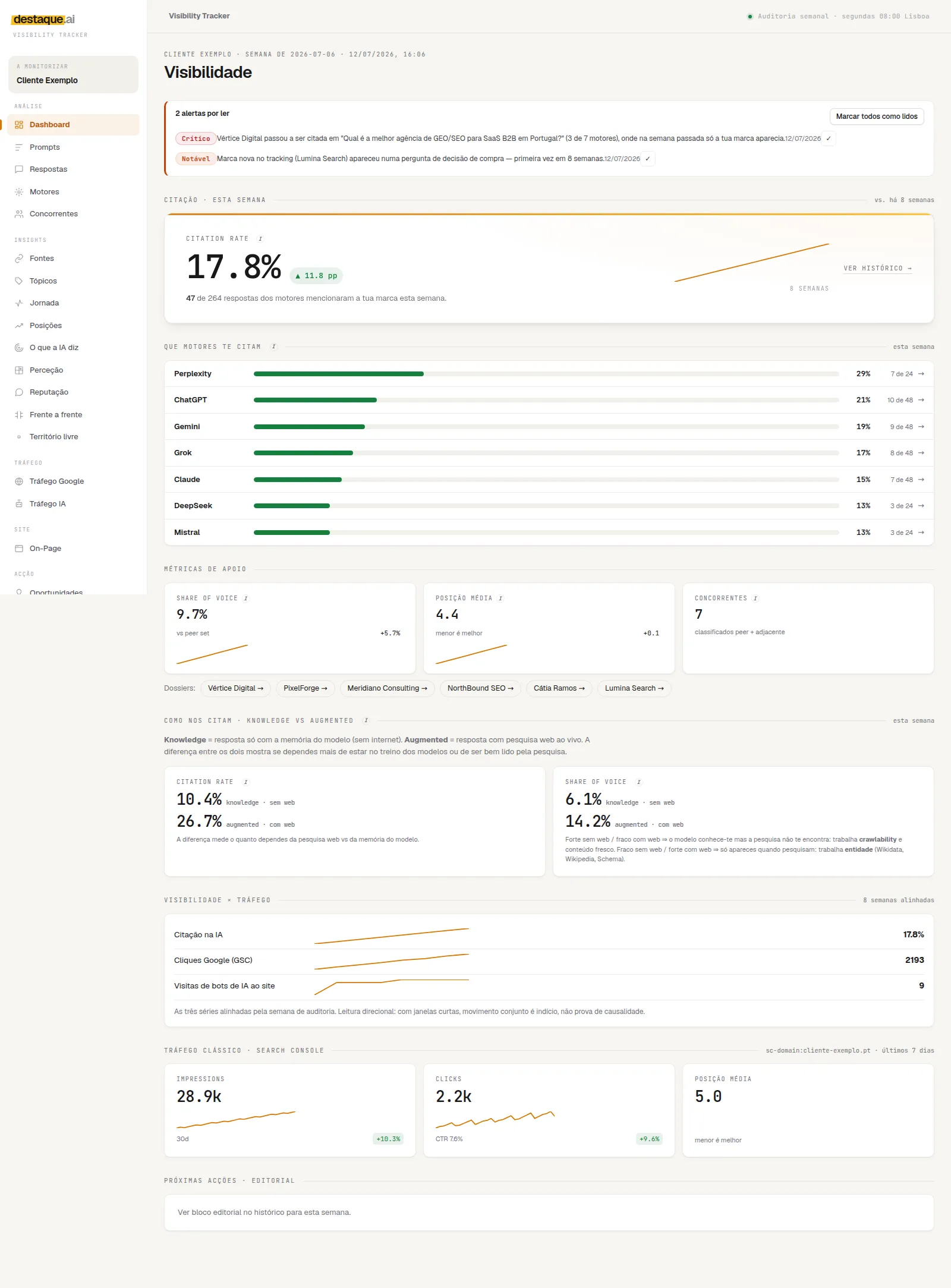
Google counts AI Mode and AI Overviews traffic in Search Console's Performance report, under the “Web” search type, together with the rest of Search. There is no separate AI Mode report, so Search Console tells you how much traffic arrives, but not which answers cited the brand. For that you have to ask AI Mode the questions and count, which is what how to audit a brand's visibility in AI describes.
What you see when an engine splits the question
Google says AI Mode uses a technique it calls query fan-out: it breaks the question into subtopics and runs several searches at the same time on the user's behalf. Google's help page adds that AI Overviews may use it too, and that, while the answer is being generated, the models find more supporting pages to show.
Google does not publish the searches each question turns into. Grok returns them with the answer, and Periscopy stores them with every answer. In the week of 5 October 2026, Grok answered the 54 questions in destaque.ai's catalogue with web search switched on and ran 210 searches across 53 of them, about four per question.
Two examples from that week. The question “Quanto custa uma auditoria GEO?” (how much does a GEO audit cost?) became five searches, among them “preço auditoria GEO OR custo ferramenta visibilidade marca IA OR GEO audit pricing Portuguese Portugal”. The question “Que agência de SEO para B2B recomendam no Porto?” (which B2B SEO agency do you recommend in Porto?) became four, among them “agências SEO B2B Porto recomendadas” and “Clutch SEO agencies Porto B2B”.
This is Grok data, not AI Mode data, and what it shows applies to the technique Google describes: the page that answers the written question may not be the one that answers the searches it splits into. So when you write a page, list the likely sub-questions and give each its own direct answer, in the words a buyer would use, in English as well as Portuguese when the topic calls for it. Note that the second question sent Grok looking for Clutch's lists: an agency directory can answer a sub-question your own site does not cover.
What does not work
- Counting on llms.txt or special schema for AI Mode. Google says they are not needed.
- Schema that is not on the page. Marking up reviews or prices the text does not show goes against Google's recommendation that structured data match the visible text.
- Changing dateModified without changing the content. The date tells the reader when the page was revised; changing it without revising says something false.
- Repeating the question in the text. Writing the same phrase five times does not answer better than writing it once, in the sentence that answers.
Frequently asked questions
Is AI Mode the same as AI Overviews?
No. AI Overviews are the summary block at the top of the classic results, and Google says they only appear when they add something to the search. AI Mode is the separate conversational screen, designed for questions that call for exploration or comparison. Google warns that the two may use different models and techniques, so the answers and the links vary.
How long does it take to appear in AI Mode?
It depends on when Google crawls the page again. Google itself says crawling can take anywhere from several days to several months, depending on how often its systems decide the page needs refreshing. After a change, you can request a recrawl in Search Console. There is no guaranteed timeframe, and Google warns that even indexing is not guaranteed.
Do I need Search Console to appear in AI Mode?
Not to appear. Search Console is where Google shows traffic from AI features, included in the Performance report under the “Web” search type, without separating AI Mode from the rest. It is also where you confirm that a page is indexed and diagnose technical problems.
Do I need schema or llms.txt to appear in AI Mode?
No. Google writes that you do not need to create new machine-readable files, AI text files or markup, and that there is no special schema.org structured data to add. Whatever structured data you have should match the visible text of the page.